Free Pinterest SEO Checklist

Built by a 13-year marketing director

Senior-level systems. Beginner-level effort.

Marketing planners that tell you what to do next — not just what happened.

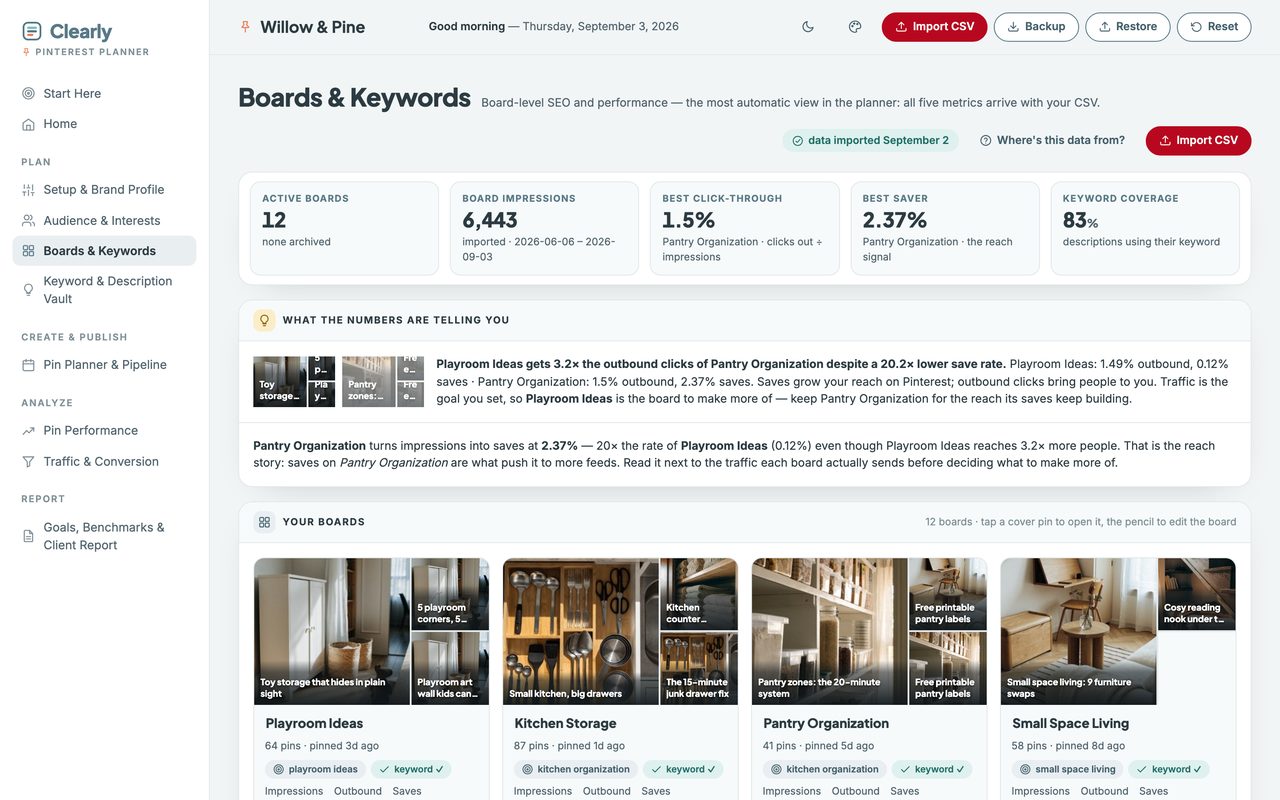
The Clearly Pinterest Planner, Boards & Keywords view: a grid of Pinterest boards showing cover photos, pin counts, keyword checks and impressions, saves and outbound clicks for each board.

Why these are different

Most tools report. These recommend.

You already have the numbers. What you don't have is the half hour of senior marketing judgement that turns them into a decision.

Not a spreadsheet

A spreadsheet shows your numbers, and it shows them perfectly well. This one reads them back to you and says which thing to fix first.

Tells you what to fix

Every view ends in a sentence, not a chart. Which board earns more pins, which page is one pass from page one, which flow is leaking.

No subscription

One payment. No login, no renewal, no seat count. Open it in the browser you already have — Chrome, Safari, Firefox, Edge.

Your data stays yours

Everything lives on your own computer. It is never uploaded, we never see it, and it works with the wifi off.
The planners

Four planners, one for each channel.

Each one is a single file that opens in your browser. Every one has a live demo you can open right now, with sample data already in it.

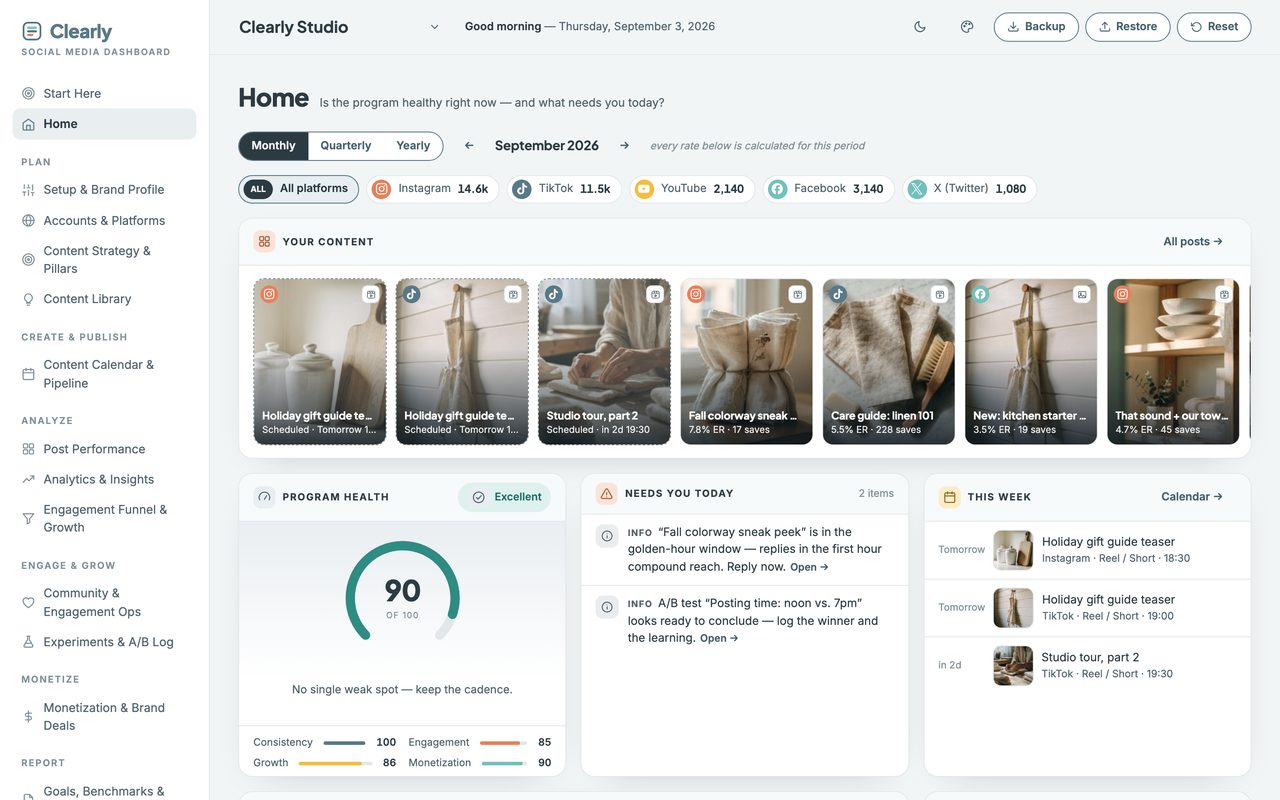
The Social Media Content Planner's program health gauge, reading 88 out of 100 with the note “No single weak spot — keep the cadence.”

Social media

Social Media Content Planner

Stop guessing what to post next — and know what to charge for it.

The Pinterest Planner's board grid, showing Playroom Ideas and Kitchen Storage boards with cover photos, keyword checks and their impressions, saves and outbound clicks.

Pinterest

Pinterest Planner

Your Pinterest data already knows which board deserves your next pin.

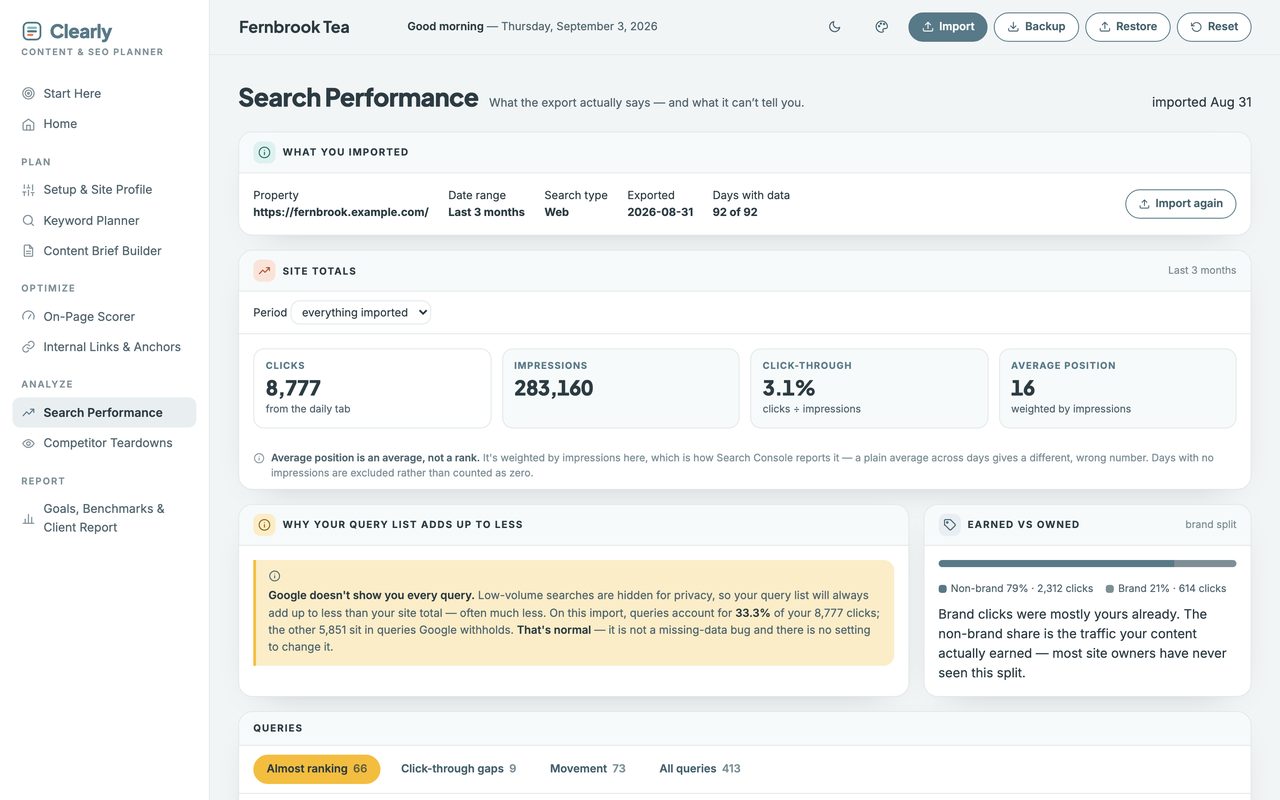
The SEO Keyword Planner's “almost ranking” table, listing search queries with their impressions and golden average-position pills between 11 and 20.

SEO

SEO Keyword Planner

You are already almost ranking for things. Fix those first.

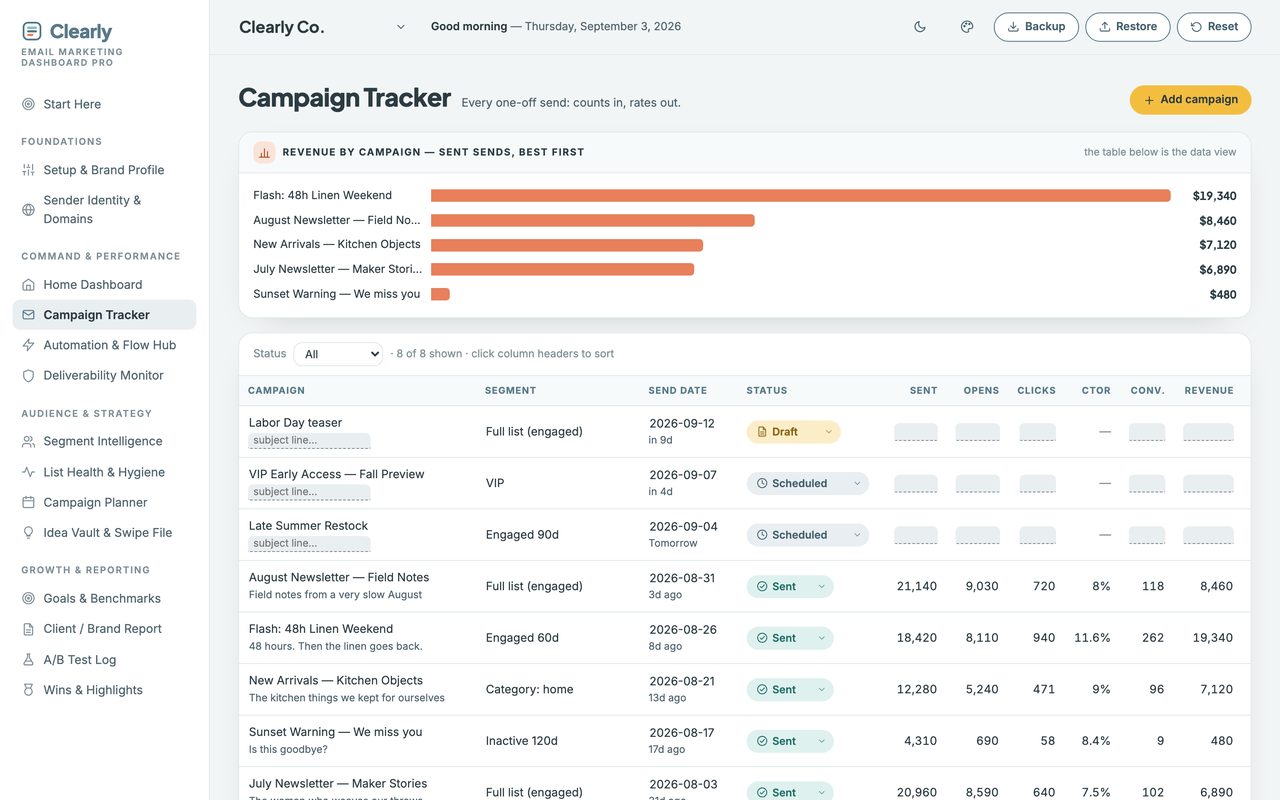
The Email Marketing Planner's campaign tracker, with a revenue-by-campaign chart in coral bars and a table of sent and scheduled campaigns.

Email

Email Marketing Planner PRO

Send email like a brand ten times your size.

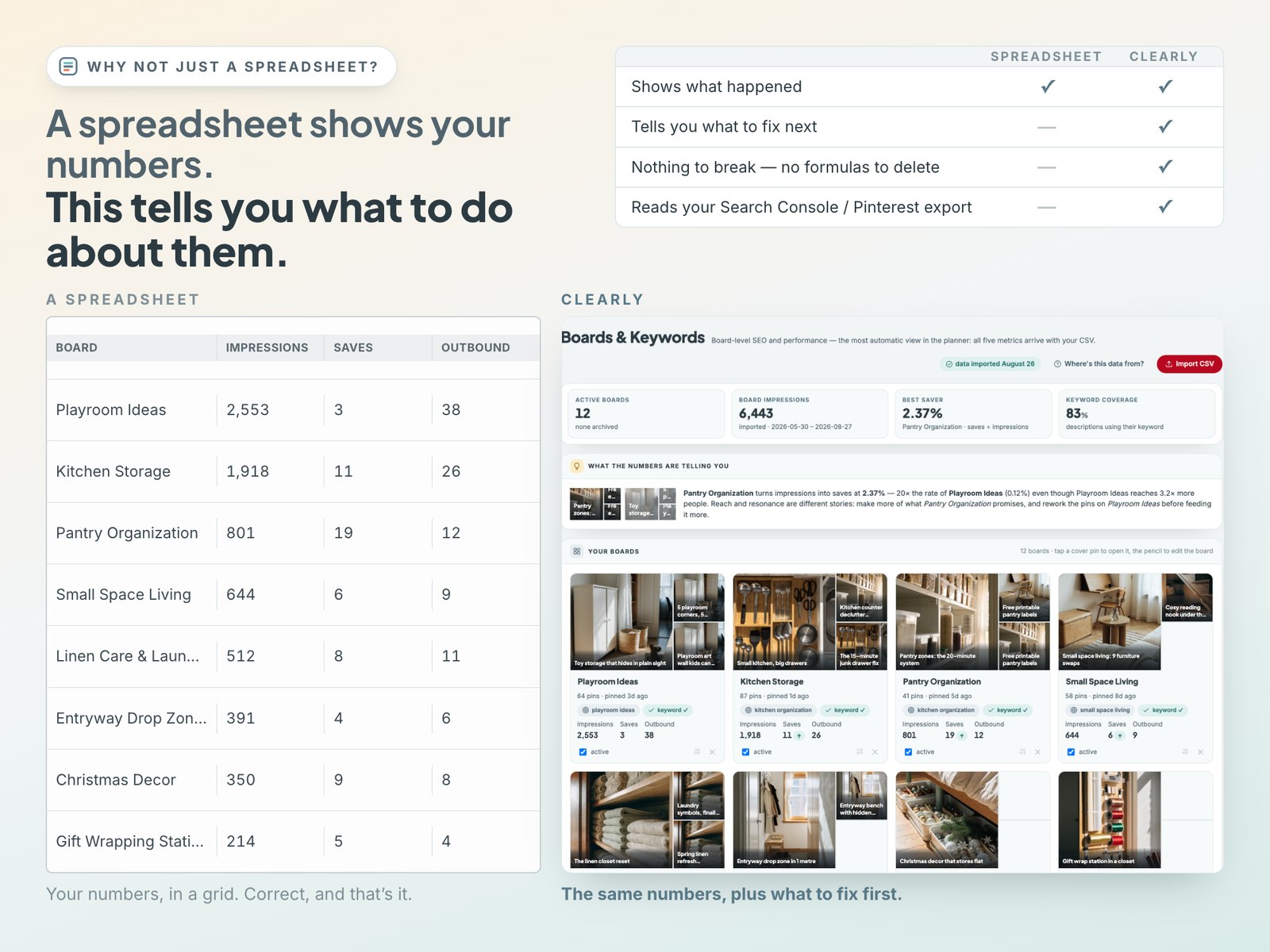
Why not just a spreadsheet? Side by side: the same Pinterest board figures as a plain spreadsheet grid — correct, and that's it — and as the planner's insight panel, which names the board that turns impressions into saves and says what to rework first.

Why not just a spreadsheet?

A spreadsheet shows your numbers. This tells you what to do about them.

A spreadsheet does the maths perfectly well. It just never says which of the numbers is the one to act on this week.

Capability Sheet Clearly
Shows what happened yes yes
Tells you what to fix next no yes
Nothing to break — no formulas to delete no yes
Reads your Search Console or Pinterest export no yes

Built to be easy

No setup, no manual.

A Start Here page

Every planner opens on one. It tells you the three things to do first, in order, and then gets out of the way.

A live demo before you buy

Open the real thing in your browser right now. Nothing to install, no account, no card — just the planner with data in it.

Sample data, cleared in one click

Each file ships populated so you can see how every number behaves. One button empties it and the file is yours.

The Clearly marketing bundle

Four planners. One price.

$109.92 $47

Save $62.92 · one payment, yours forever

Free resource

The Pinterest SEO Checklist

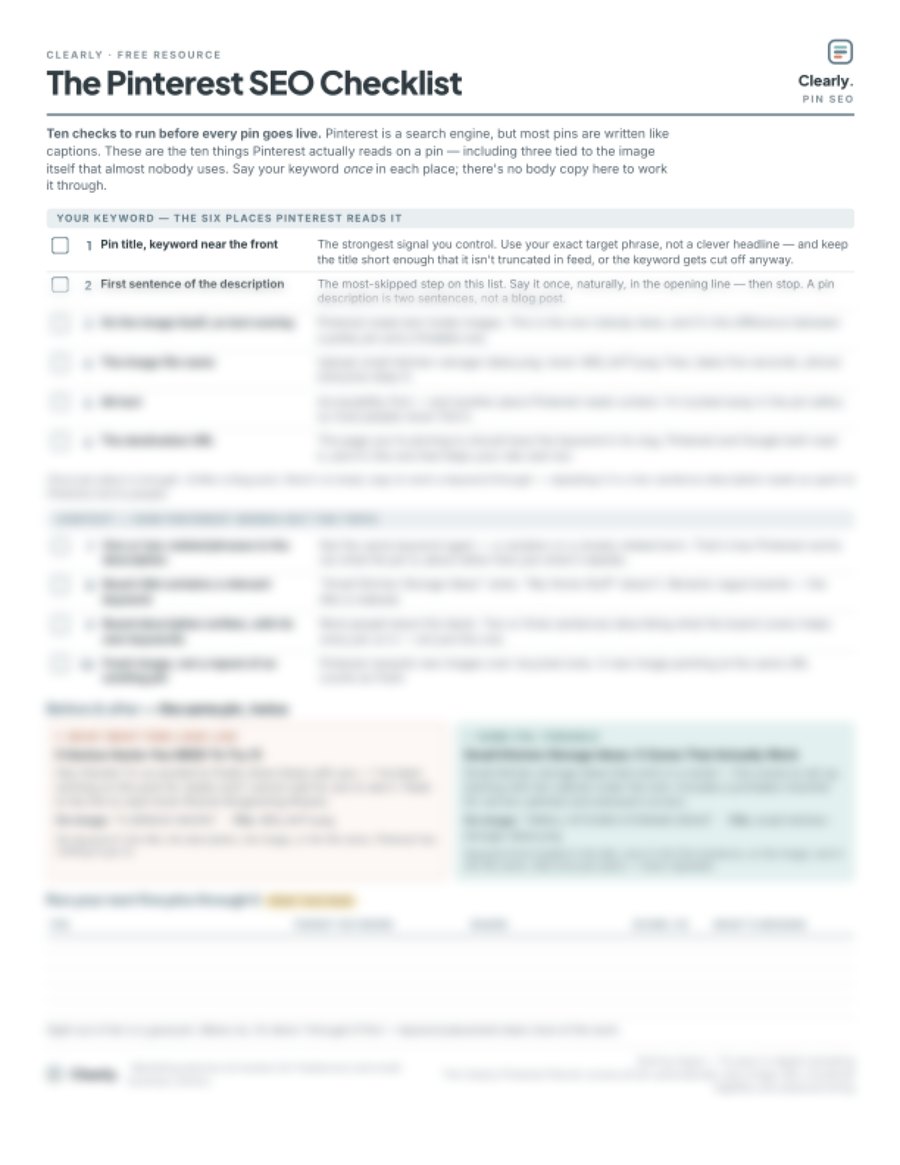
Ten checks to run before every pin goes live — the six places Pinterest reads your keyword, and the four that tell it what your pin is about. One page, print it and tick it off.

One email with the PDF. Unsubscribe whenever — no sequence, no pitching.

The one-page Pinterest SEO Checklist PDF: ten numbered checks in two groups, a before-and-after pin example, and a five-row scoring table.